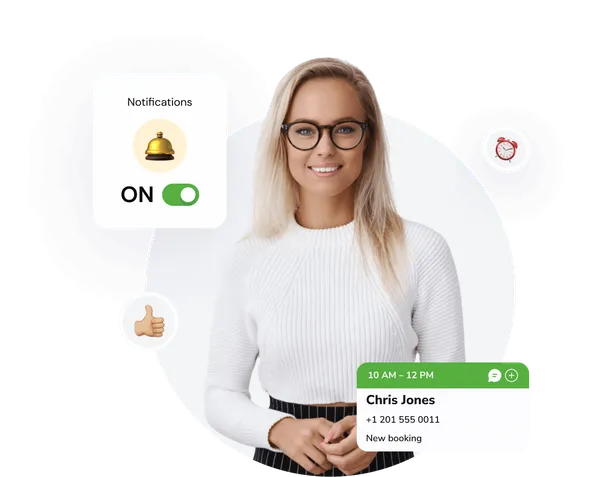
Staff rota for your team
Set an optimal schedule for your staff, analyze workload, and track employee performance.
Shift planner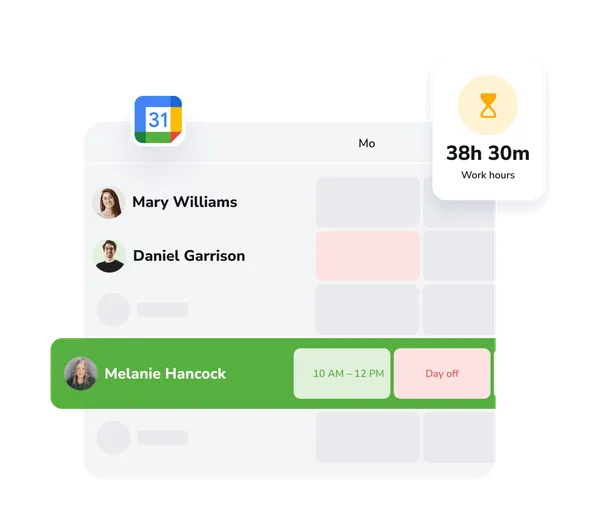
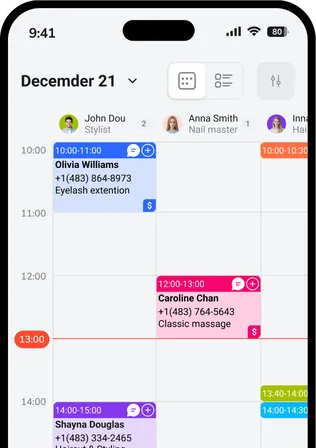
A visually clear schedule
A clear, easy-to-read work schedule where you can quickly see each employee’s shifts and make changes when needed.
Flexible shift planning
Easily create different shift types, set duration and breaks, and configure work schedules for each employee individually.
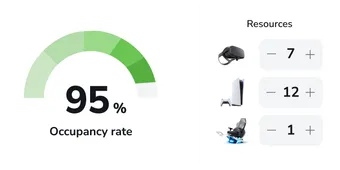
Workload analysis
Track staff utilization, optimize time allocation, and identify periods with under- or over-coverage.
Expand your business capabilities
Increase conversion rates and improve customer service quality with instant access to all EasyWeek features.
Ready-made solutions for your business
Choose your business type to get a personalized option for your industry.
 Beauty
  Healthcare
  Sport
Sport  Services
  Leisure
  Education
  Pets
Pets  Rental
  Car
Car  Hospitality
  Other
Other A convenient app for all devices
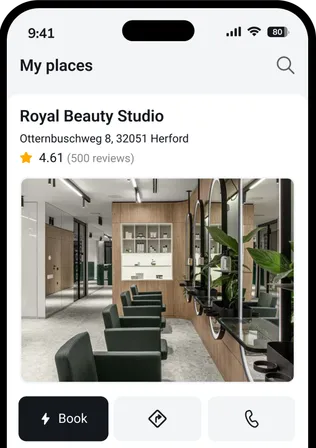
Our system works on smartphones, tablets, and in the web version. No additional equipment required.




 Pro
ProJoin companies that trust us
Create your success story with EasyWeek!
FAQ
Can’t find the answer? Contact our friendly team.
Stay with your customers: we’ll handle the rest
Try EasyWeek for effective business management. Our support is always available: 7 days a week, free on any plan.