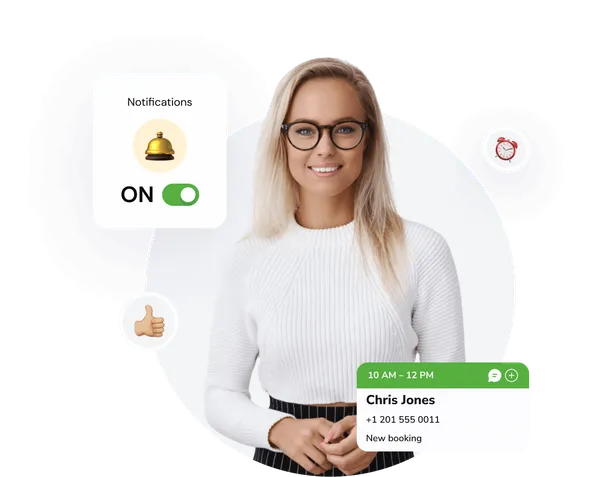
Appointment reminder via SMS and WhatsApp
Tools to set up and automate customer messages across multiple communication channels.
Automated notifications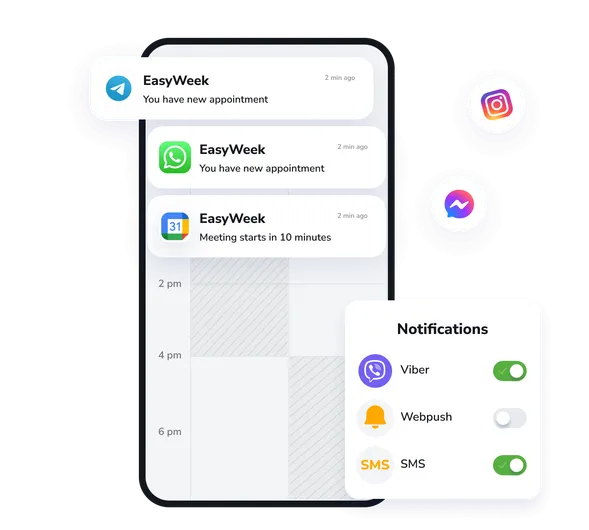
SMS and email reminders
Automatic SMS reminders and email reminders for upcoming appointments. Set the send time, personalize messages, and reduce no-shows.
WhatsApp messages
Send reminders and confirmations via WhatsApp. Customers can easily confirm or cancel appointments right in the messenger.
Push notifications
Instant push notifications in the mobile app for customers and staff. Get alerts about new bookings, schedule changes, and other important events.
Expand what your business can do
Increase conversion and improve customer service with instant access to all EasyWeek features.
Ready-made solutions for your business
Choose your business type to get a tailored option for your industry.
 Beauty
  Healthcare
  Sport
Sport  Services
  Leisure
  Education
  Pets
Pets  Rental
  Car
Car  Hospitality
  Other
Other A convenient app for every device
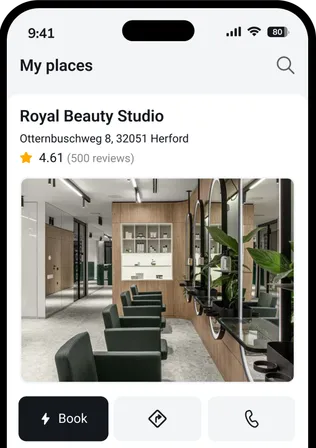
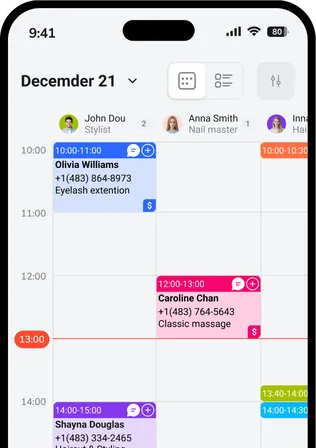
Our system works on smartphones, tablets, and the web version. No additional equipment required.




 Pro
ProJoin companies that trust us
Create your success story with EasyWeek!
Frequently asked questions
Can’t find the answer? Contact our friendly team.
Stay connected with customers: we’ll handle the rest
Try EasyWeek for effective business management. Our support is always available: 7 days a week, free on any plan.